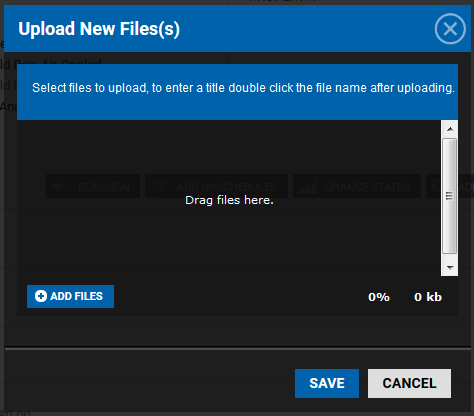
How do I attach a file to a Preventive Maintenance task? June 29, 2016 21:02 Updated Navigate to the specific PM task. In the Files section of the PM Task, click (+): Use the ADD FILES function to access your computer hierarchy and select the document you wish to attach, or drag and drop the file into the window: Click SAVE.